On this page
- From 2027, invoices to businesses and the government must be structured e-invoices in the UAE format (PINT AE), sent through an accredited service provider. A PDF is no longer the invoice for these sales.
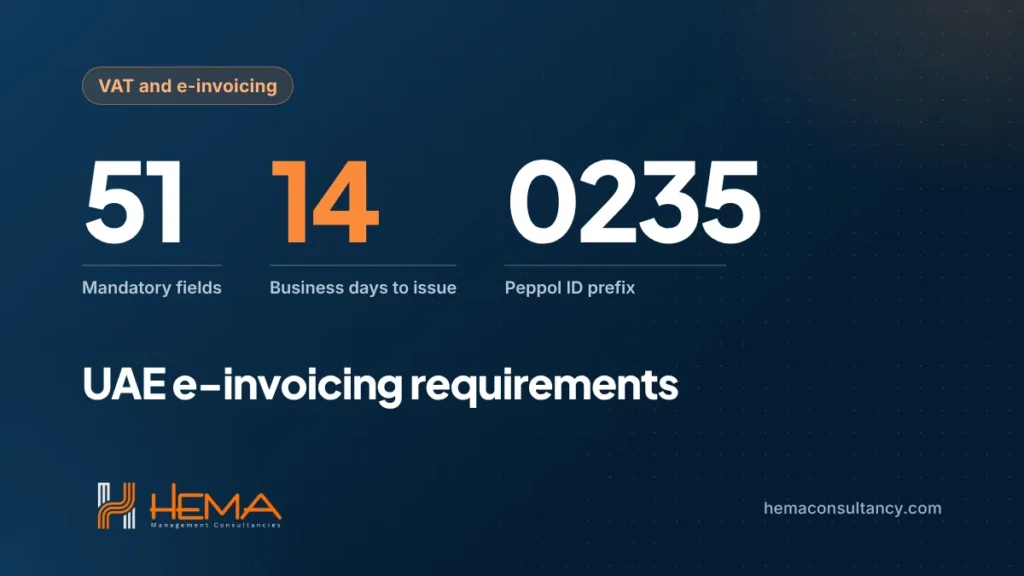
- Every e-invoice must carry the mandatory fields set by the Ministry of Finance: 51 for a tax invoice.
- You and your customers are identified by a Peppol ID built from your tax identification number (TIN): 0235 plus the first 10 digits of your TRN.
- E-invoices go out within 14 business days of the transaction, and are corrected only by an electronic credit note.
- It applies whether or not you are VAT-registered. Your go-live date depends on your revenue.
Knowing your go-live date is the easy part. Meeting the UAE e-invoicing requirements means your system must produce the right data, in the right format, for every invoice, and send it through the right channel on time.
Below is what each requirement means in practice, with a checklist to work through before your date.
Who the UAE e-invoicing requirements apply to
E-invoicing is mandatory for any person doing business in the UAE, whether or not they are registered for VAT, for sales to other businesses (B2B) and to the government (B2G). Sales to consumers are out of scope for now, and some transactions are excluded.
| Who | Appoint a provider by | Go live |
|---|---|---|
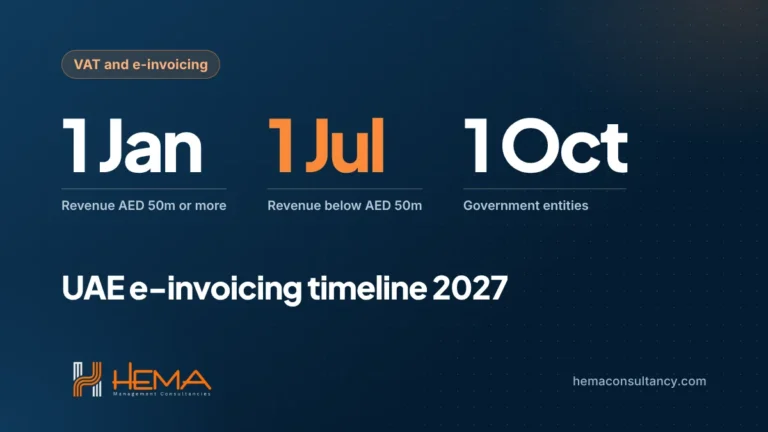
| Revenue of AED 50 million or more | 30 October 2026 | 1 January 2027 |
| Revenue below AED 50 million | 31 March 2027 | 1 July 2027 |
| Government entities | 31 March 2027 | 1 October 2027 |
For how your phase is worked out, the exclusions and the penalties, see the UAE e-invoicing timeline. The rules are in Ministerial Decisions No. 243 and 244 of 2025, as amended in 2026.
1. A structured e-invoice, not a PDF
An e-invoice is data, not a document. It is an XML file in PINT AE, the UAE version of the international Peppol invoice standard. A PDF, a scan or an emailed invoice does not meet the requirement for an in-scope sale.
You can still send a readable copy alongside it for convenience, but the XML e-invoice is the invoice. If it was not issued through the system, it does not count.
2. An accredited service provider
You cannot send e-invoices yourself. You appoint an accredited service provider from the Ministry of Finance list, and onboard through EmaraTax. Your provider:
- Registers your Peppol ID on the network.
- Checks each e-invoice against the UAE rules before it goes out.
- Delivers it to your customer’s provider.
- Reports the tax data to the Federal Tax Authority (FTA).
Buyers need a provider too, to receive e-invoices from their suppliers. When choosing one, compare how it connects to your accounting or ERP system, its PINT AE coverage, data security, support and contract terms.
3. Your TIN and Peppol ID
| Item | What it is |
|---|---|
| TRN | Your 15-digit tax registration number |
| TIN | The first 10 digits of your TRN. A business in scope with no corporate tax registration must register with the FTA to get one |
| Peppol ID | Your address on the network: the UAE code 0235 plus your TIN. Your provider registers it |
| Tax groups | Each member uses its own TRN to work out its TIN, not the representative member’s |
You need the same details for your business customers, so check your customer records early. A wrong or missing ID means the e-invoice cannot be delivered.
Our team looks at your case and tells you what applies to you and what to do next. The first consultation is free.
4. The mandatory fields
The Ministry of Finance publishes the list of mandatory fields, aligned with PINT AE. A tax invoice has 51 mandatory fields, plus others that apply in certain cases. The list was last updated in October 2026.
| Area | Main mandatory fields |
|---|---|
| Invoice | Number, date, type code, currency, transaction type code, payment due date, payment means, business process type and specification identifier |
| Seller | Name, electronic address and identifier, legal registration number and type, TRN, and address with city, emirate and country |
| Buyer | Name, electronic address and identifier, TRN if registered, and address with city, emirate and country |
| Totals | Sum of line net amounts, total without VAT, total VAT, total with VAT and amount due |
| VAT breakdown | For each VAT category: taxable amount, VAT amount, category code and rate |
| Lines | Line number, quantity, unit of measure, net amount, net and gross price, VAT category and rate, and item name and description |
- You can invoice in another currency, but the total VAT must also be shown in AED.
- A business that is not VAT-registered issues a commercial e-invoice, which has its own adapted field list.
5. The transaction type flags
Every e-invoice carries a transaction type code: eight flags, each set to 1 if it applies and 0 if not.
| Flag | Set it when the invoice is for |
|---|---|
| Free trade zone | A supply involving a designated zone for VAT |
| Deemed supply | A deemed supply for VAT |
| Margin scheme | Goods sold under the profit margin scheme |
| Summary invoice | Several supplies to one customer on one invoice |
| Continuous supply | An ongoing supply billed in periods |
| Disclosed agent billing | An agent billing in the name of a principal |
| Supply through e-commerce | A sale made through e-commerce |
| Exports | An export |
Your system has to set these correctly on each invoice, so the VAT treatment must be clear when you bill, not only when you prepare the VAT return.
6. Timing, corrections and records
- 14 business days: issue and send each e-invoice within 14 business days of the transaction.
- No edits: a sent e-invoice cannot be changed or deleted. To correct it, issue an electronic credit note that refers to it. Credit notes go through the network too.
- Records: keep your e-invoices and credit notes for the period the tax laws require, and make sure you can produce them when asked.
- VAT returns: e-invoicing does not replace them. You still file your VAT returns as before.
Many businesses today fix a mistake by editing or reissuing the invoice. After go-live that is not possible, so agree a credit note process with your finance team before your date.
UAE e-invoicing requirements: readiness checklist
- Confirm your phase and go-live date from your latest financial statements.
- Appoint an accredited service provider and onboard through EmaraTax.
- Get a TIN for every entity in scope, including any that are not VAT-registered and each tax group member.
- Clean your customer data: legal names, TRNs, Peppol IDs and addresses.
- Map your system to the mandatory fields, VAT category codes and transaction type flags.
- Set up credit notes and a process to issue every e-invoice within 14 business days.
- Prepare to receive e-invoices from suppliers through your provider, and update your payables process.
- Test real cases: standard-rated, zero-rated, exports, foreign currency and credit notes.
- Train your team and keep your records in order after go-live.
Not implementing on time costs AED 5,000 a month. Our e-invoicing setup team runs the readiness check, data mapping, provider selection and testing with you. For VAT treatment questions, see VAT return filing and the UAE VAT rate guide.
Questions we hear most
In-scope invoices must be structured e-invoices in the PINT AE format, sent through an accredited service provider, with all mandatory fields, a TIN-based Peppol ID for the seller, and issued within 14 business days of the transaction. Corrections are made by electronic credit note. Not for sales in scope. From your go-live date, the invoice is the PINT AE e-invoice sent through your provider. A PDF can go along as a readable copy, but it is not the invoice. PINT AE is the UAE version of the Peppol International invoice standard. It sets the structure and the data fields that every UAE e-invoice must follow. A tax invoice has 51 mandatory fields under the Ministry of Finance list, plus fields that apply only in certain cases. A commercial e-invoice, for businesses that are not VAT-registered, has its own adapted list. It is your address on the e-invoicing network: the UAE code 0235 followed by your TIN, which is the first 10 digits of your TRN. Your accredited service provider registers it for you. No. Your provider reports invoice data to the FTA, but you still file your VAT returns as before.What are the e-invoicing requirements in the UAE?
Is a PDF invoice still valid after e-invoicing starts?
What is PINT AE?
How many mandatory fields does a UAE e-invoice have?
What is a Peppol ID in the UAE?
Does e-invoicing replace the VAT return?